





-





-

What is employee GPS time tracking?
A verified, location-stamped record of every shift
Employee GPS time tracking is the use of GPS technology to record where and when employees clock in and out of work. It gives businesses real-time visibility into field and mobile team locations, and creates a verified, timestamped record of hours worked for every shift.
This makes it far harder to falsify attendance, reduces payroll errors caused by inaccurate self-reporting, and gives businesses the documentation they need to support labor law compliance.
-
How does employee GPS time tracking work?
From clock-in to accurate timesheets
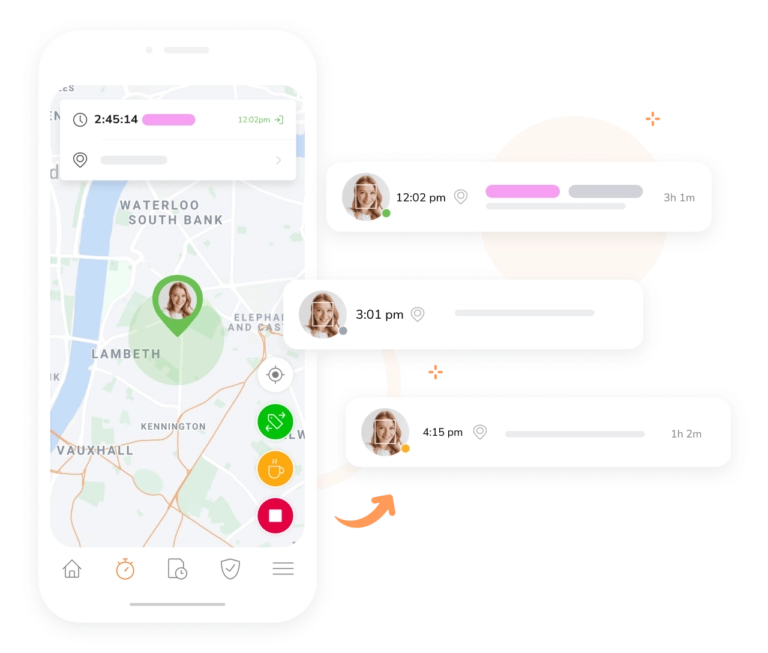
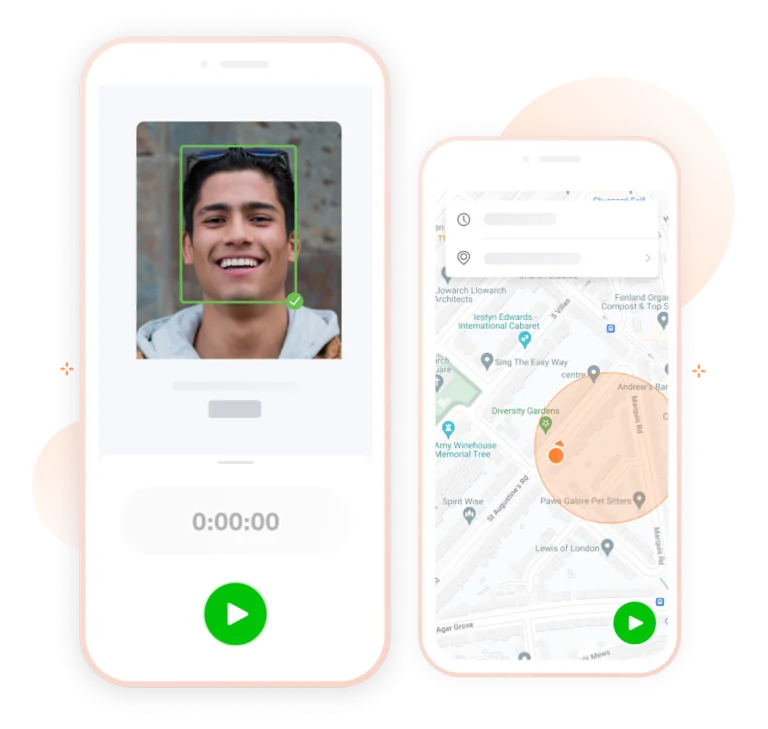
When an employee clocks in through the Jibble app, their GPS coordinates are captured and stored alongside the timestamp. Managers can view locations on a map, and set geofences that restrict clock-ins to authorised areas only.
All of that location data feeds automatically into timesheets, creating an accurate, auditable record ready for payroll. Every entry is backed by GPS evidence, which protects against time fraud and supports accurate payroll calculations.
-
Geofencing to restrict clock-ins
Set boundaries and keep time tracking accurate
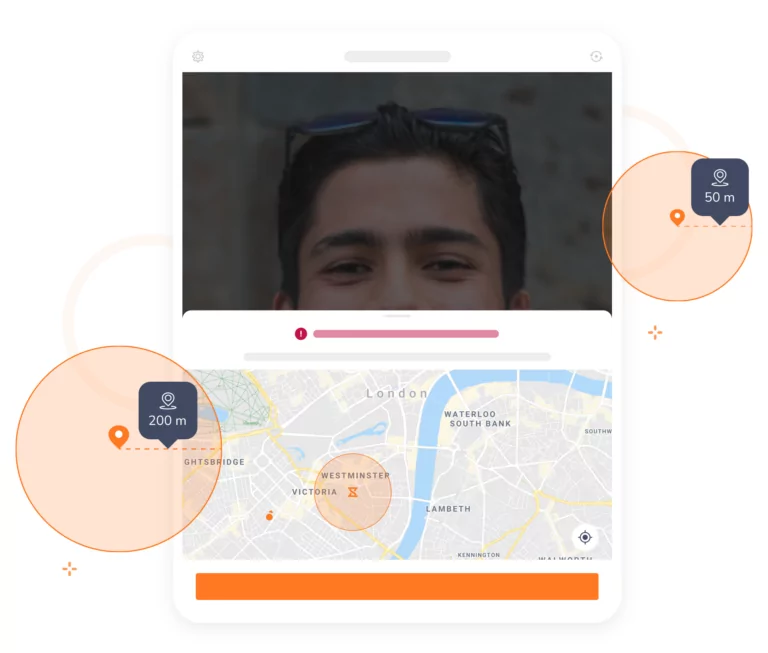
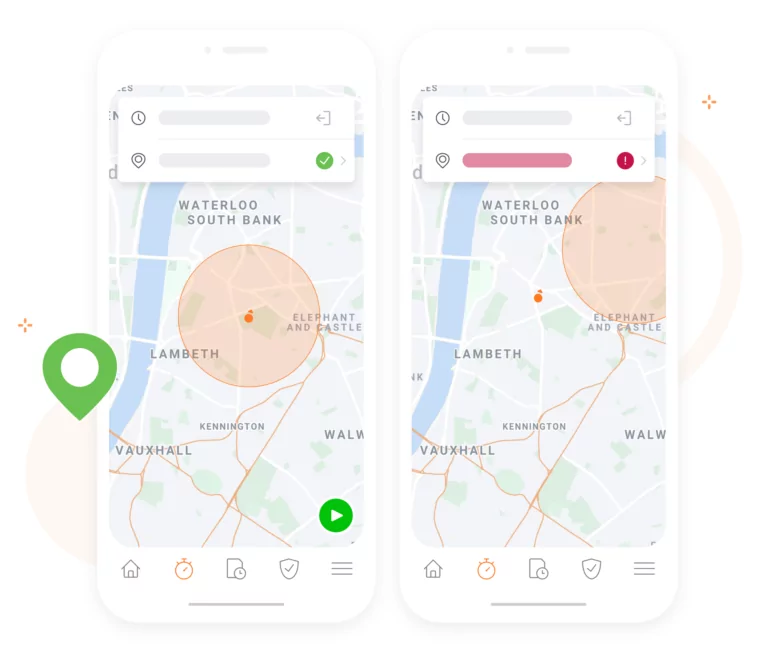
Restricting locations with geofencesCreate virtual geofences around offices, client sites, or project areas. Jibble automatically prevents employees from clocking in when they are outside a designated zone, removing a significant source of attendance fraud and ensures your workforce is where the timesheet says they are, every single shift.
-

Real-time location tracking for your entire field team
Same-second updates so you always know where your team is
Monitor your team’s live locations on an intuitive map interface, updated in real time. Whether employees are travelling between client sites or on the move, you always have a clear picture of where they are. Real-time visibility gives managers the oversight needed to identify and address unauthorised absences before they become a payroll problem.
-
Track and review travel routes for accountability
A verifiable route history for every business trip and site visit
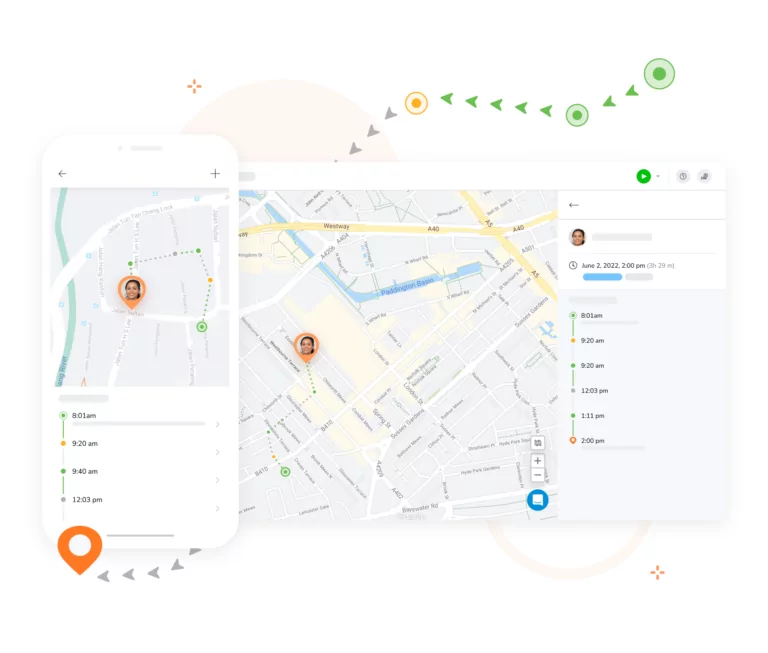
Jibble lets you replay your team’s travel history with pinpoint accuracy. Track coordinates and movements for business trips, field visits, or multi-site jobs. This route history acts as a verifiable record that supports operational oversight and provides clear evidence if timesheet entries are ever questioned.
-

Face recognition to eliminate fraudulent entries
Only the right employee can clock in, verified by face
Pair GPS time tracking with Jibble’s face recognition attendance technology to completely close the door on buddy punching. Only the registered employee can clock in, verified by a glance at their device. This combination is one of the most effective fraud prevention measures available for field and remote teams, ensuring that every clock-in is genuine.
-
Overtime tracking that keeps you compliant
Automatic overtime calculations based on your compliance settings
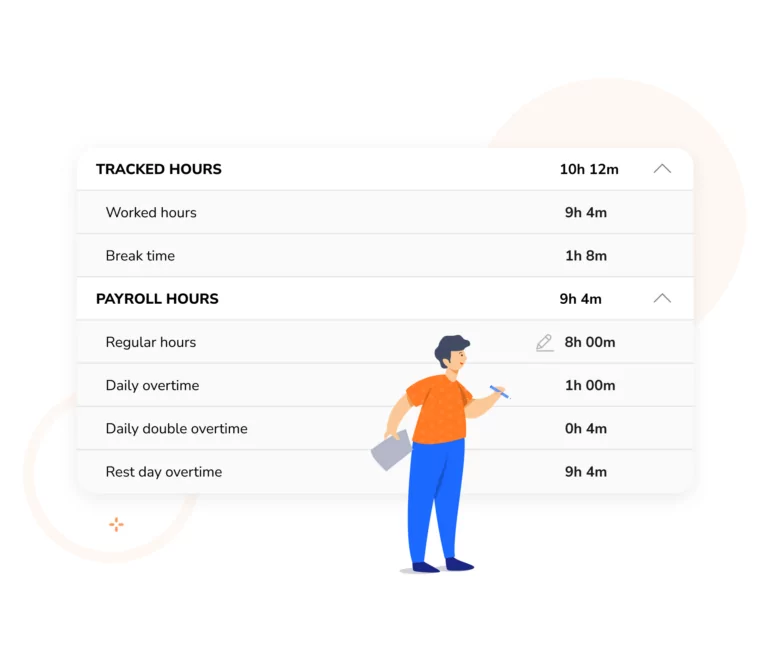
Jibble automatically categorises hours worked into regular time and overtime based on the rules you configure, removing ambiguity from your payroll process. Tailor thresholds to match your local labor regulations and business requirements.
-
Centralised dashboard for workforce oversight
Customisable widgets that surface the data that matters most
Managing your team on the dashboardGet a complete view of your team from a single, customisable dashboard. See who is clocked in, where they are located, how long they have been on site, and how hours are distributed across projects and activities. Customisable widgets let you prioritize the most relevant data, making it easier to spot anomalies and act quickly.
-

Automated timesheets built from GPS data
Exportable, GPS-backed timesheets
Set billable rates for your field workers and let Jibble handle the rest. Timesheets are generated automatically from GPS time tracking data, removing manual entry and the errors that come with it. Managers can review, approve, and export timesheets in XLS or CSV format, ready to feed directly into your payroll process.
-
Detailed analytics for attendance
Reports that go beyond location
Go beyond basic location monitoring with Jibble’s advanced analytics. Access detailed reports on clock-in timestamps, employee activity, attendance trends, work hours, and site visits across your entire workforce.
-
Configurable time tracking policies
Set exactly how, when, and where your employees can track time
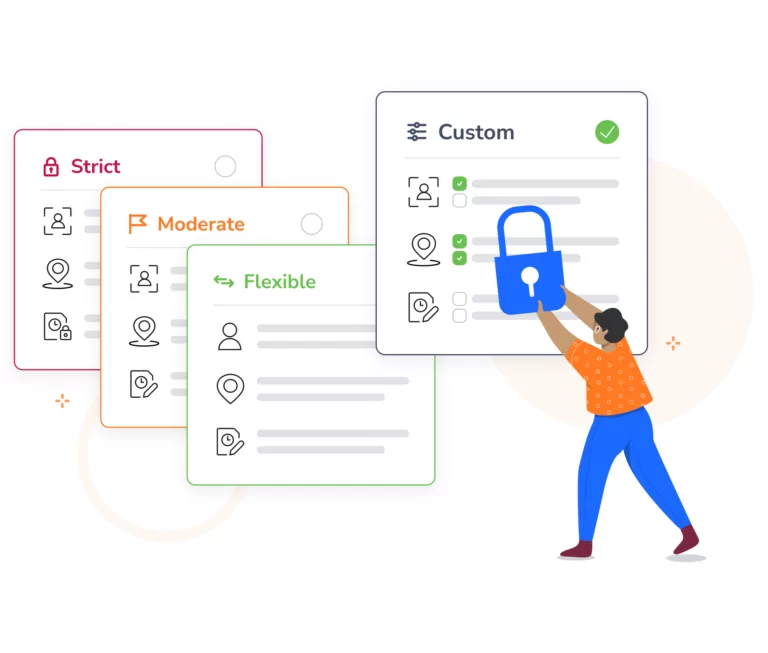
Configure time tracking policiesJibble gives you full control over how and when employees track time. Set device-specific restrictions, define flexible start and end time windows, and require selfies at clock-in for an additional layer of verification. These configurable policies means employee ime tracking works within your existing compliance and security framework, rather than around it.
-

Offline GPS tracking for remote teams
Complete attendance records even without a mobile signal
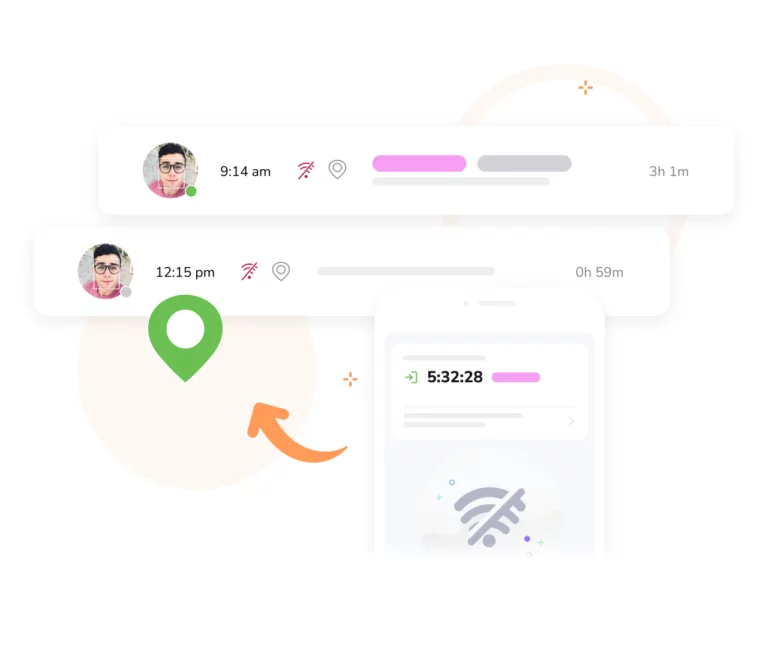
Offline attendance appPoor mobile coverage should never result in incomplete attendance records. Jibble continues to capture and store time and location data locally on the device when there is no connection, then syncs everything automatically once connectivity is restored.
-
Automated reminders to keep attendance records complete and accurate
Fewer missed entries, fewer payroll disputes
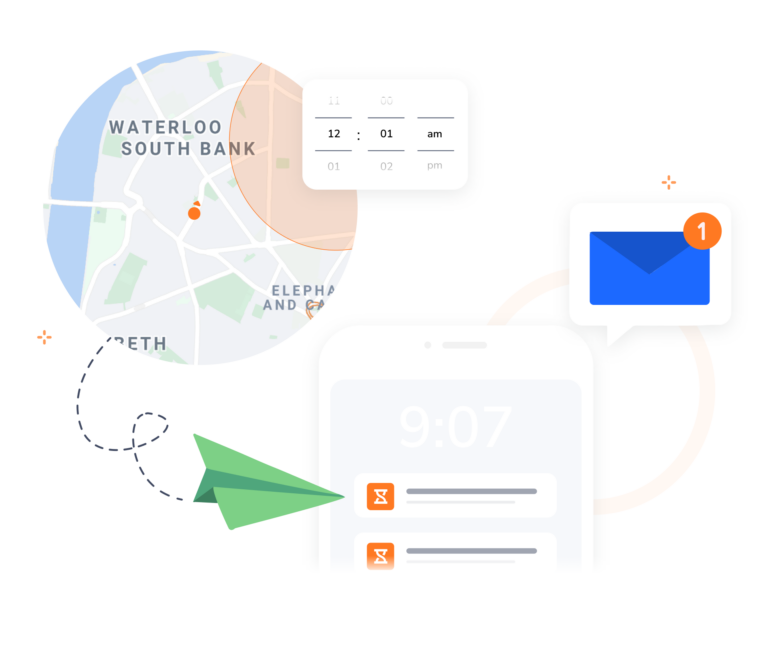
Missed clock-ins create gaps in your attendance records and introduce errors into payroll. Jibble’s intelligent reminders prompt employees to clock in when they enter a work zone, or alert them when a shift is about to start. Fewer missed entries means cleaner timesheet data, fewer disputes at payroll, and a stronger audit trail for compliance purposes.
-
An all-in-one GPS time tracking solution
Everything you need to manage field, remote, and hybrid teams
Jibble brings together GPS time tracking, attendance management, geofencing, face recognition, and automated timesheets in one free platform.
Whether you manage remote teams, field workers, or hybrid workforces, Jibble gives you the tools to prevent fraud, protect payroll accuracy, and stay compliant, all without paying a penny.
-

Get started in no time
Start GPS tracking today!
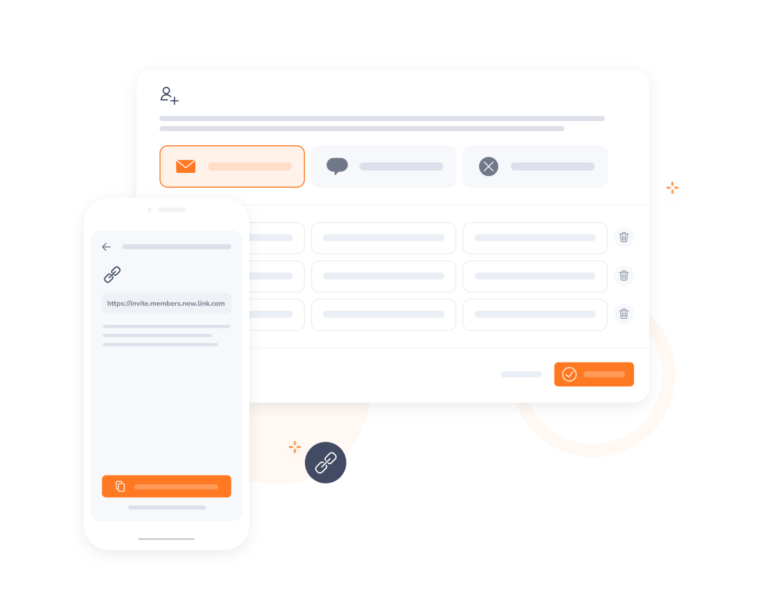
Start onboarding NOW!Sign up for a free Jibble account, invite your team members into your organization, and you’re ready to get jibbling! If you ever encounter any challenges or require extra help, our dedicated customer support team is ready to assist you.
Join the ranks of successful companies using Jibble's employee GPS time tracking app
-
Keeping track of hours is super easy now
Jibble makes keeping track of employees when they work off-site very easy. With GPS location I was able to set the area that they can clock, thus ensuring correct times... keeping track of hours on projects is super easy now.
Amazing GPS feature!
The software has an amazing GPS feature that can tell you where any staff jibbles from. The app also sends automated reminders to jibble in and out, which is extremely helpful.
Fast, convenient and paperless!
I really like the face recognition and GPS tracking features for employee attendance. Jibble really makes logging in to work fast, convenient and paperless.
Accurate time and location tracker
Jibble's GPS tracker provides us with accurate time and location tracking. The dashboard gives a quick overview of who's in or out for the day and the timesheets can be easily processed for payroll at the end of each month.
A really good location tracking software
Jibble gives me a clear idea of how the day is running. Using the GPS tracker app, I can always keep tabs on my freelance and full-time employees. And the project tracking lets me know how hours are being spent on various activities.
So many features and so EASY to use
I couldn't find a software that could track my time and location no matter where I go, but Jibble's time clock has so many features and it's so easy to use! I can now easily record my work hours and locations using the mobile app.
Best attendance app with GPS
The mobile attendance app is excellent. The different attendance control features such as access via computer, via mobile phone, definition of login perimeter, GPS tracking and activity tracking are some of the features that made me marvel at the solution.
My experience with Jibble has been incredibly positive
The platform has provided me with an efficient and streamlined solution for employee GPS tracking and managing work hours. The user-friendly interface makes it easy to navigate, and the various features available, such as facial recognition and GPS tracking, provide an extra layer of security and accuracy.
FAQs
Some frequently asked questions...
An employee GPS time tracking app is a mobile application designed to monitor and track the location and activities of employees using Global Positioning System (GPS) technology.
This app is typically installed on the employees’ mobile devices and utilizes GPS signals to provide accurate location data, enabling businesses to track employees’ whereabouts, attendance, and movements throughout the day.
Implementing a GPS tracking app for your employees can provide several advantages for your business:
- Enhanced Productivity – GPS tracking apps help employees stay accountable and focused on their tasks. Knowing that their location and activities are monitored can boost productivity and discourage time-wasting activities.
- Streamlined Time Tracking – GPS tracking apps automate time tracking, making it easier for employees to record their work hours accurately. This reduces the administrative burden of manual timekeeping and ensures more accurate payroll processing.
- Safety and Security – For employees working in the field or in potentially hazardous environments, GPS tracking can enhance safety and security. In case of emergencies or accidents, their location can be quickly identified, allowing for immediate assistance.
- Task and Project Management – GPS tracking can assist employees in monitoring their progress on tasks and projects. It ensures that deadlines are met and helps employees stay on top of their responsibilities.
- Geofencing Benefits – For employees who work at different locations or in remote areas, geofencing can be beneficial. It can trigger reminders or provide alerts based on their proximity to specific work sites or checkpoints.
Some GPS time tracking apps, such as Jibble, offer offline functionality, while others may require a continuous internet connection.
Offline functionality allows these apps to store GPS location data locally on the device when there is no internet connection and then sync the data to the server once a connection is restored. This can be beneficial as it helps maintain accurate location records for employees who work in remote locations or areas with poor internet connectivity.
Yes, there is! Jibble’s employee GPS time tracking app is completely free for an unlimited number of users.
Unlike many GPS tracking apps that offer restricted free trials or limited plans, Jibble is a genuinely free GPS tracking solution that provides fully functional, free-forever options designed for field employees.
Yes. GPS time tracking creates a verified, timestamped record of exactly where and when each employee clocked in or out, making it impossible to falsify hours or claim work from an unauthorised location. Combined with face recognition, it eliminates buddy punching and ghost employee fraud at the source.
Yes. Jibble automatically records clock-in and clock-out times with GPS evidence, calculates overtime based on your configured rules, and stores a complete audit trail for every employee. This documentation is essential for demonstrating compliance with wage and hour laws if records are ever reviewed or disputed.
Jibble uses advanced GPS technology to record employee locations with high accuracy at the point of every clock-in and clock-out. For field teams working across multiple sites, this provides reliable, location-specific attendance data that manual or self-reported methods cannot replicate.
GPS time tracking records an employee’s location at each clock-in and clock-out. Geofencing defines a virtual boundary around a location, and employees can only clock in when inside that boundary. Used together, they provide comprehensive attendance security and fraud prevention.
Don't waste another minute! Jibble is FREE forever.
Get started with the ultimate employee GPS time tracking app.
Track time now - it's FREE!