
The Best Free Clockify Alternative
Jibble gives you the time tracking Clockify is known for, then goes further with more built-in features, no user cap, and a better score on every major review site.
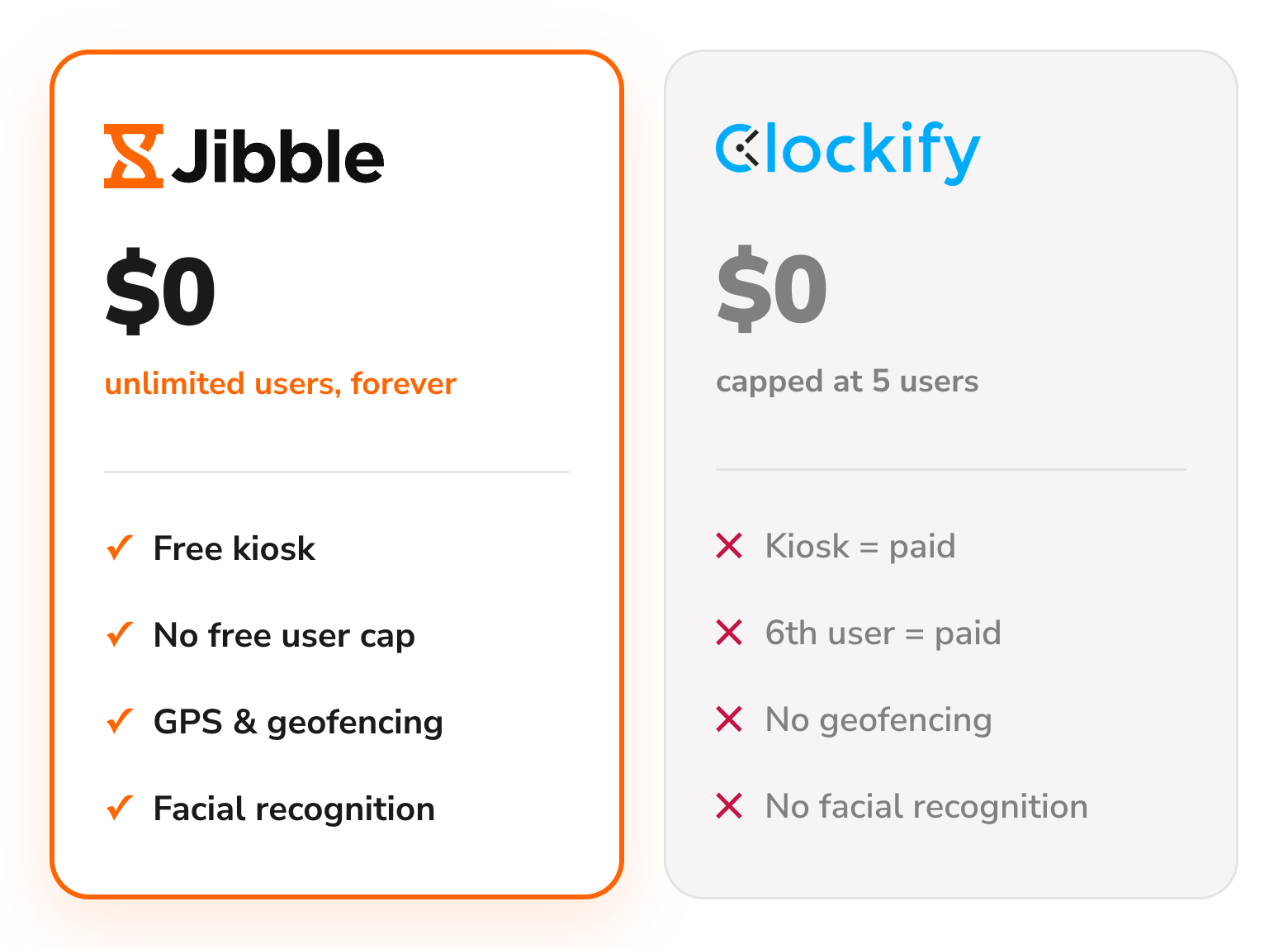






What are the main differences between Jibble and Clockify?
A feature-by-feature comparison of where Jibble gives you more, for free.
| Feature | Jibble | Clockify |
|---|---|---|
| Free forever | Unlimited users | Up to 5 users |
| Time tracking (web, desktop, mobile) | ||
| Automated timesheets | ||
| Time kiosk | Add-on from $0.79/seat/mo | |
| Facial recognition | ||
| Geofencing | ||
| GPS tracking | Pro plan add-on | |
| Screenshot monitoring | Pro plan add-on | |
| PTO / leave tracking | Paid feature | |
| Project & client tracking | ||
| Built-in AI assistant | ||
| Capterra rating | 4.9 / 5 | 4.8 / 5 |
Want to see more of what Jibble can do?
From smart scheduling to payroll-ready reports, it's everything your team needs to manage time, in one place.
Explore more of Jibble's featuresWhy choose Jibble as a Clockify alternative?
The real limitations teams hit on Clockify, and exactly how Jibble solves each one.
Free forever, for unlimited users
Clockify caps its free plan at 5 users, and holds back most of what makes it useful until you upgrade. Jibble is free forever for unlimited users, with everything included from day one. Add your fifth employee, your fiftieth, or your five hundredth, completely free.
See the full Jibble vs. Clockify comparison →
Facial recognition to curb buddy punching
Clockify's kiosk relies on a PIN, and its photo capture just snaps a picture with no verification behind it. Jibble adds true facial recognition with spoof detection, blocking photos, videos and lookalikes at the clock.
Face recognition attendance system →
GPS and geofencing, included free
Clockify puts GPS tracking behind its Pro plan at $7.99 per user a month. Jibble stamps every entry with GPS location at no cost, and geofences let you draw a boundary around a site so clock-ins only count when your team is actually there.
Employee GPS tracking →
Kiosk included, not an add-on seat charge
Clockify bills its Time Kiosk separately, on top of your plan. Jibble's kiosk is built in at no extra cost — clock in with facial recognition, a QR code or NFC, and keep tracking time even when the job site has no signal.
Time clock kiosk →
Reporting built for decisions, not just records
Clockify's free plan limits report exports to PDF, and locks Excel and CSV exports behind a paid plan. Jibble exports to Excel and CSV for free, with the context behind the numbers: where clock-ins happened, which device was used, and whether an entry was edited.
Reports and analytics →
Is Jibble the right Clockify alternative for you?
Still weighing options? See how Jibble ranks against every time tracker.
- You're adding headcount and don't want your software bill to grow with it
- You've had buddy-punching or GPS spoofing and want it stopped, not just logged
- You've got a mix of desk, field and shift workers to track under one system
- You want every feature unlocked on day one, not gated behind a plan

Still weighing your options?
See how Jibble ranks against every other time tracker.
See the best time tracking software →Ready to switch from Clockify to Jibble?
Export from Clockify
Download your time entries and projects as a file from Clockify's export tool.
Import into Jibble
Upload the file with the free Clockify import tool — no manual re-entry.
Invite your team
Add everyone by email or link; roles and groups carry straight over.
Start tracking
Jibble picks up right where Clockify left off, free forever.
Don't just take our word for it
 ★★★★★
4.9 out of 5
★★★★★
4.9 out of 5
 ★★★★★
5.0 out of 5
★★★★★
5.0 out of 5
 ★★★★★
4.9 out of 5
★★★★★
4.9 out of 5
 ★★★★★
4.8 out of 5
★★★★★
4.8 out of 5
 ★★★★★
4.8 out of 5
★★★★★
4.8 out of 5
 ★★★★★
4.7 out of 5
★★★★★
4.7 out of 5
Excellent time tracking software
I like the fact that you can monitor your breaks, schedules, and daily overtime and that it's super easy... overall it has been a great experience.
Functional and practical
Jibble makes it very easy to track your time spent on different projects. There is also an app that can be used on your phone if you are on the move.
Project time tracking made easy!
You can track time for large or small teams working on different activities for different clients or different projects.
Great experience with Jibble so far
Jibble has helped me a lot. Tracking hours at work has become easier - I went from manually tracking my time to doing it automatically.
Easy to use and transparent
Easy features and dashboard and the best feature is the chrome extension which all of us loved. Happy Jibbling!
Very simple to set up
It's a very easy to use tool which gives you peace of mind that your employees are on-site and it logs employee hours for payroll.
Your questions about Clockify, answered
Everything people ask before switching from Clockify to Jibble.